
How to turn an MP3 into a video
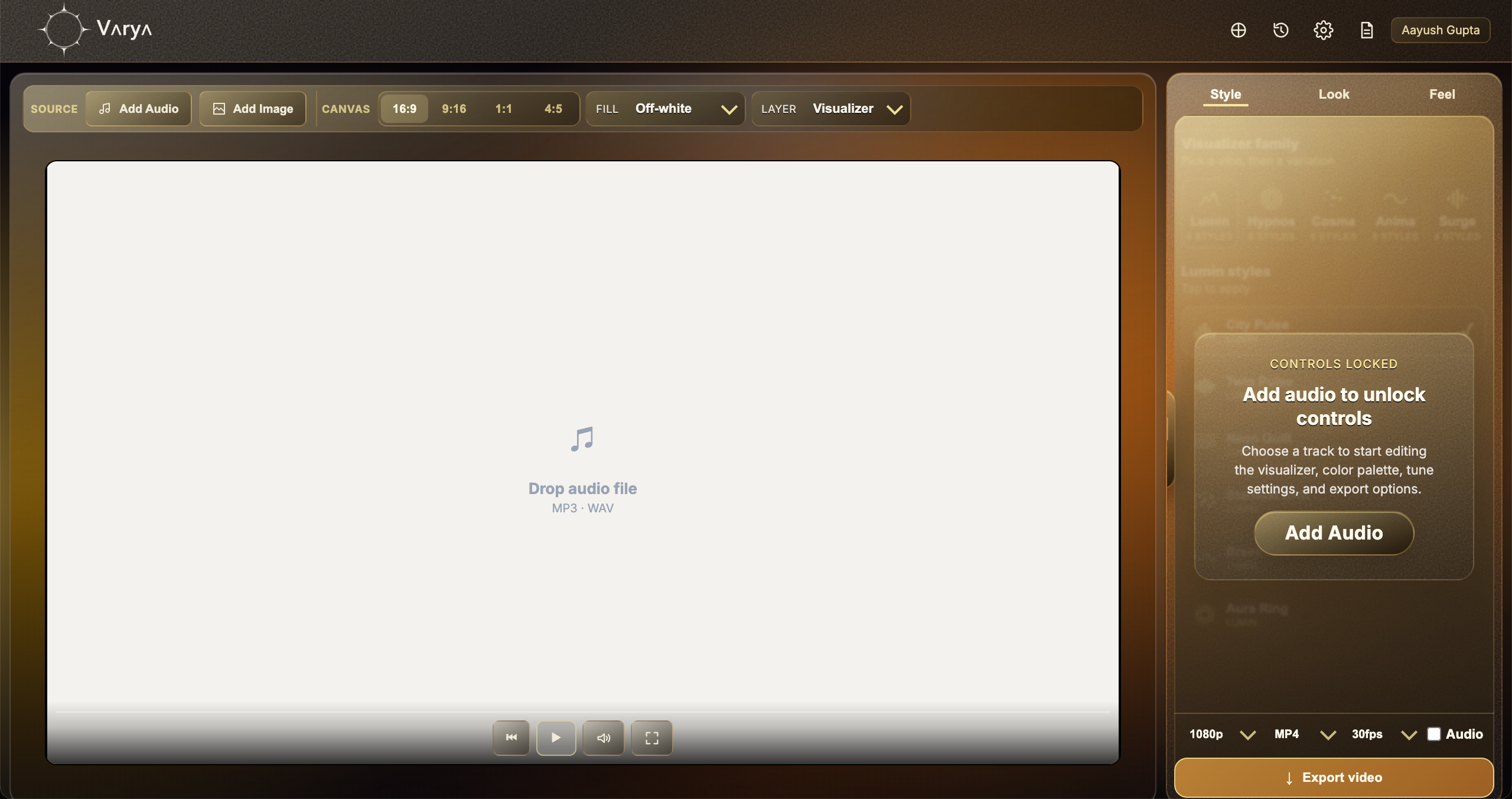
To turn an MP3 into a video, upload the audio to a music visualizer such as Varya, choose an audio-reactive style and canvas size, then export an MP4. The visuals are generated from the song, so you get a video with real motion rather than a still image over audio.
The same steps work for WAV files, and everything runs in your browser with nothing to install.
- Upload your MP3 or WAV.
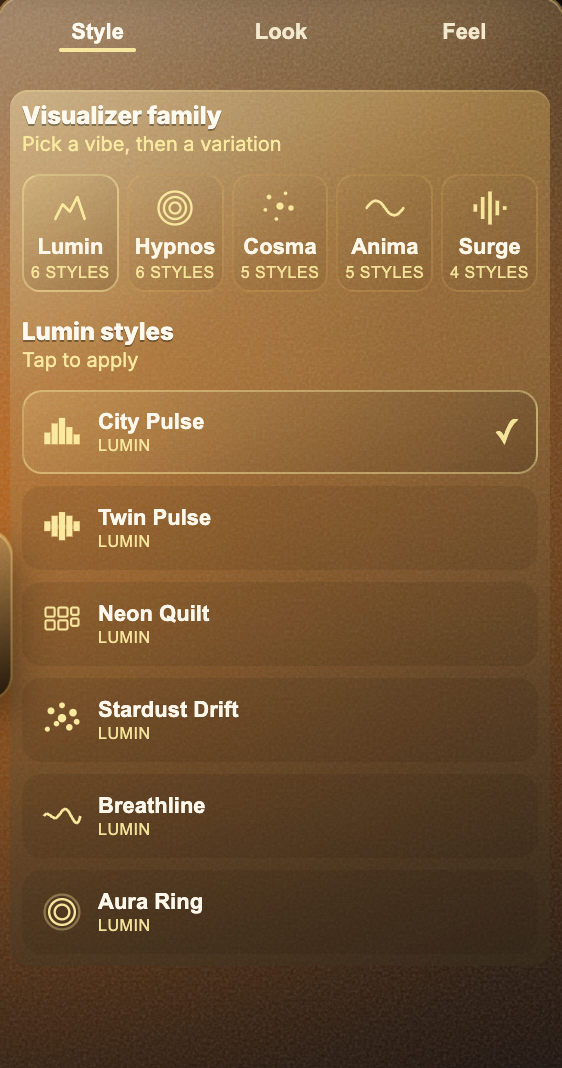
- Choose a visualizer style.
- Set the canvas: 16:9, 9:16, 1:1, or 4:5.
- Add cover art or a background image.
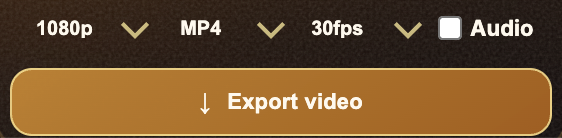
- Export an MP4 with the audio included.
Why use an audio visualizer instead of a still image
Platforms such as YouTube, Instagram, and TikTok only accept video, so an audio file needs something on screen. A still image works, but nothing moves. An audio visualizer reacts to the beat and frequencies of the track, which gives viewers a reason to keep watching.
Pick the right size for each platform
Choose the canvas first, because it decides how the visuals are composed.
- YouTube: 16:9.
- YouTube Shorts, Instagram Reels, TikTok: 9:16.
- Instagram and Facebook feed: 1:1 or 4:5.

Match the visualizer to the song
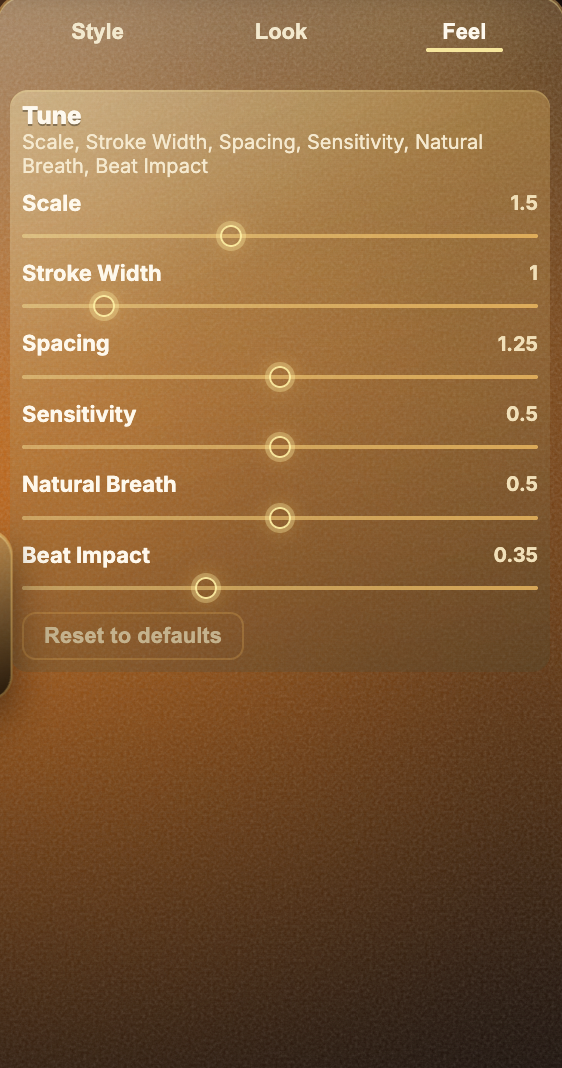
Spectrum styles make drums and bass easy to see. Waveform styles suit melodic or vocal-led songs. Use the Look and Feel controls to set the colors and decide how strongly the visuals react.
Export the MP4
MP4 is the safest format for posting, since every major platform and editor accepts it. Keep the audio on for a finished video. Use 1080p for social posts and 4K if the video will be watched on large screens.
Frequently asked questions
How do I convert an MP3 to a video?
Upload the MP3 to a music visualizer such as Varya, choose a style and canvas size, and export an MP4 video.
Can I turn an MP3 into a video online?
Yes. Varya runs in the browser, so you do not need to install editing software.
Can I upload an MP3 to YouTube?
Not directly. YouTube needs a video file, so convert the MP3 to an MP4 first, either with a still image or an audio visualizer.
Does this work with WAV files?
Yes. Varya accepts both MP3 and WAV audio.