Every visual is driven by your audio's frequency data in real time. Bass, mids, and highs each control separate visual parameters so the reaction feels musical, not random.
20+ visualizer styles
From fluid particle systems to geometric waveforms and spectrum bars. Pick a style that matches your genre and vibe, then tweak it to make it yours.
ProRes, WebM & MP4 export
Export in whatever format your workflow needs, lossless ProRes for professional editing, WebM with transparency for overlay compositing, or MP4 for direct posting.
Auto colour matching
Drop in your background image and Varya samples dominant colors to build a palette your visualizer inherits automatically so everything looks intentional from the start.
How to use Varya
Create a music visualizer in four clear steps.
This guide is written for creators searching for an audio visualizer, music video visualizer, transparent overlay export, or quick social video workflow.
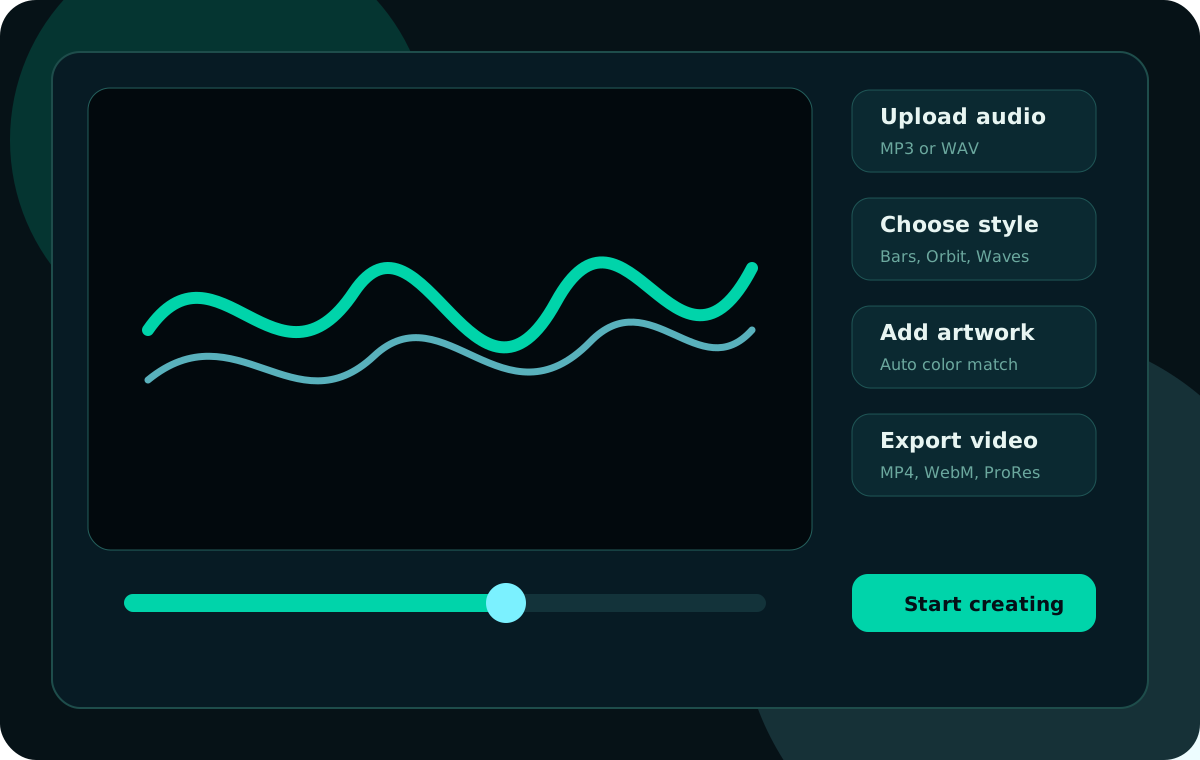
A quick view of the Varya workflow from audio upload to finished export.
01
Upload MP3 or WAV audio
Drop your song into Varya. The app reads frequency data, waveform motion, beat hits, and energy changes so visuals react to the actual music.
02
Pick a visualizer style
Choose styles such as Bars, Mirror, Organic Waves, Fractal Bloom, Laser Tunnel, or Orbit, then use variations to match the song mood.
03
Add cover art or a background image
Upload artwork, resize the canvas for YouTube, reels, shorts, or square posts, and use auto color matching to blend the visualizer with your image.
04
Export for your platform
Export MP4 for direct posting, WebM with alpha for transparent overlays, or ProRes for editors that need high-quality compositing.