
Audio-reactive does not mean random animation
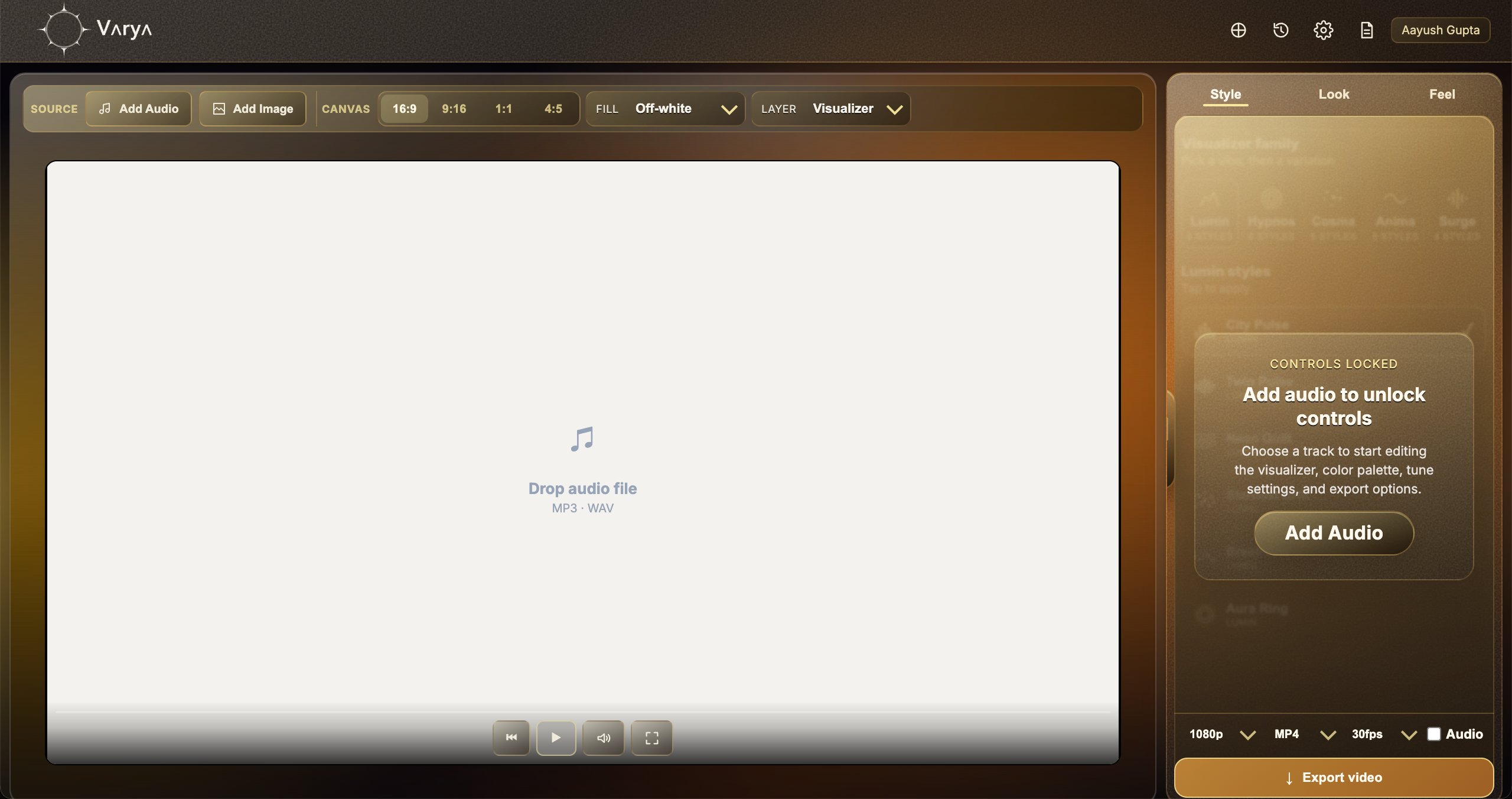
An audio-reactive visualizer changes because of the sound. It is not just a looped animation placed behind a track. The software reads information from the audio and uses that information to drive motion, scale, spacing, brightness, density, or other visual behavior. That is why the same visualizer can feel calm during a quiet section and more intense when the track opens up.
This is the main difference between a music visualizer and a generic animated background. A generic background may look good, but it does not understand the song. An audio-reactive visualizer uses the song as input, so the motion feels connected to the beat, energy, and frequency changes.
The song becomes useful signals
A track contains many layers of sound. Bass, drums, vocals, synths, guitars, and high-frequency details all live in different parts of the frequency range. A visualizer can translate those changes into movement. Low frequencies often feel like weight, pulse, or expansion. Mid frequencies can influence body, density, or movement. High frequencies can create small details, shimmer, or sharper accents.
Beat detection is another important signal. When a kick, snare, drop, or rhythmic hit appears, the visualizer can respond with a pulse or impact. Good visualizers do not simply react to everything equally. They balance smooth motion with musical accents so the result feels alive without becoming chaotic.
- Bass can drive scale, weight, and pulse.
- Mid frequencies can drive density or body movement.
- High frequencies can drive detail, shimmer, or sharper motion.
- Beat detection can create stronger hits on musical moments.

Style turns data into a visual language
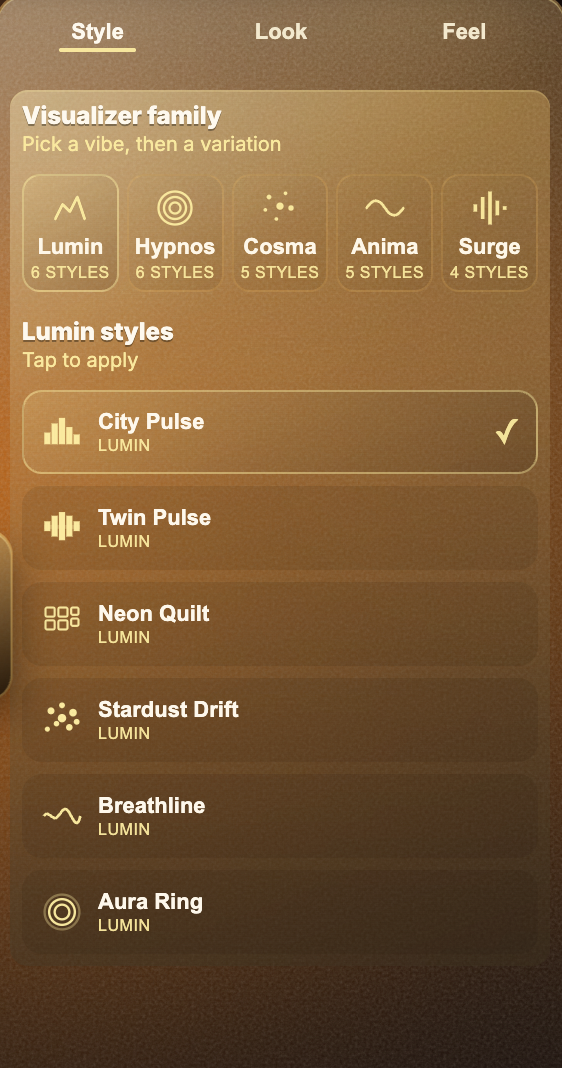
The audio data is only the raw material. Style decides what that data looks like. One style might turn the beat into expanding rings. Another might turn frequencies into bars, lines, particles, or waves. This is why two visualizers can use the same track and still feel completely different.
A strong style choice should match the mood of the song. Minimal music may work better with slower movement and fewer shapes. Dense electronic music may support more energetic motion. A cinematic song may need something softer and more atmospheric. The visualizer is translating sound into a design language, so the chosen style matters as much as the technical audio analysis.
Look and Feel control the emotional response
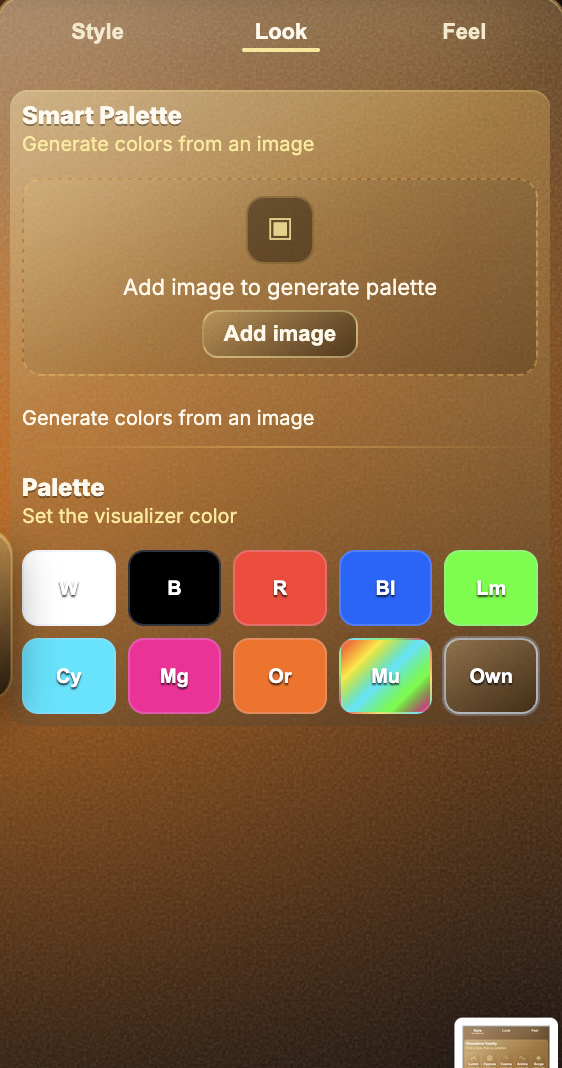
Look controls color. Color changes the emotion of the visual quickly: white can feel clean, red can feel intense, blue can feel digital or calm, and multicolor palettes can feel playful or energetic. If artwork is used, Smart Palette can help make the visualizer feel connected to the image instead of sitting on top as a separate element.
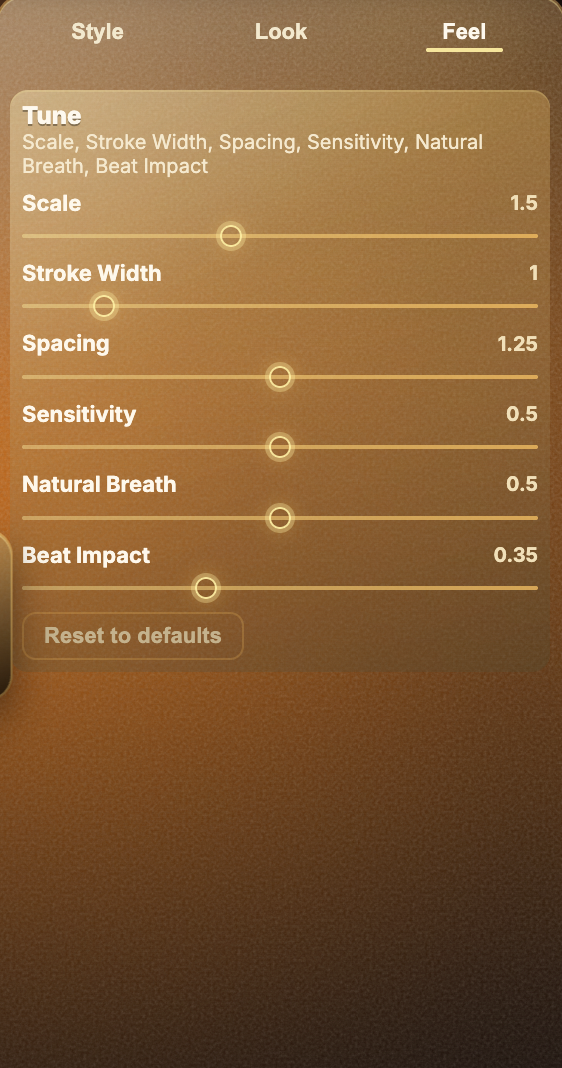
Feel controls how strongly the visual responds. Scale, stroke width, spacing, sensitivity, natural breath, and beat impact all change the behavior. A high sensitivity setting may make the visual respond to small audio details. A lower setting may make it calmer. Beat impact can make the visual hit harder during stronger moments of the track.
Why different exports need different visual choices
A visualizer designed as a full YouTube video can use background art, large motion, and more complete composition. A transparent overlay needs a different approach because it must sit over footage without blocking the edit. MP4 overlays often need bright colors on black so Screen blending works well. ProRes overlays can use real transparency, which gives more flexibility.
Understanding how audio-reactive visualizers work helps you make better design choices. You are not just picking an effect. You are deciding how the song should feel visually, how strongly the motion should react, and how the final file will be used.