
How to make an ElevenLabs music visualizer
Download the finished ElevenLabs Music track as an audio file, upload it to Varya, pick a visual style and canvas size, then export an MP4. Varya reads the audio and drives the motion from the beat and frequencies, so you do not need to animate anything by hand.
Get the final audio out of ElevenLabs
Generate and edit the song until you are happy with the arrangement, then download it in the best audio quality your ElevenLabs plan offers. Varya accepts MP3 and WAV files.
Keep the file name descriptive, for example artist, title, and version, so you can find the right export later.
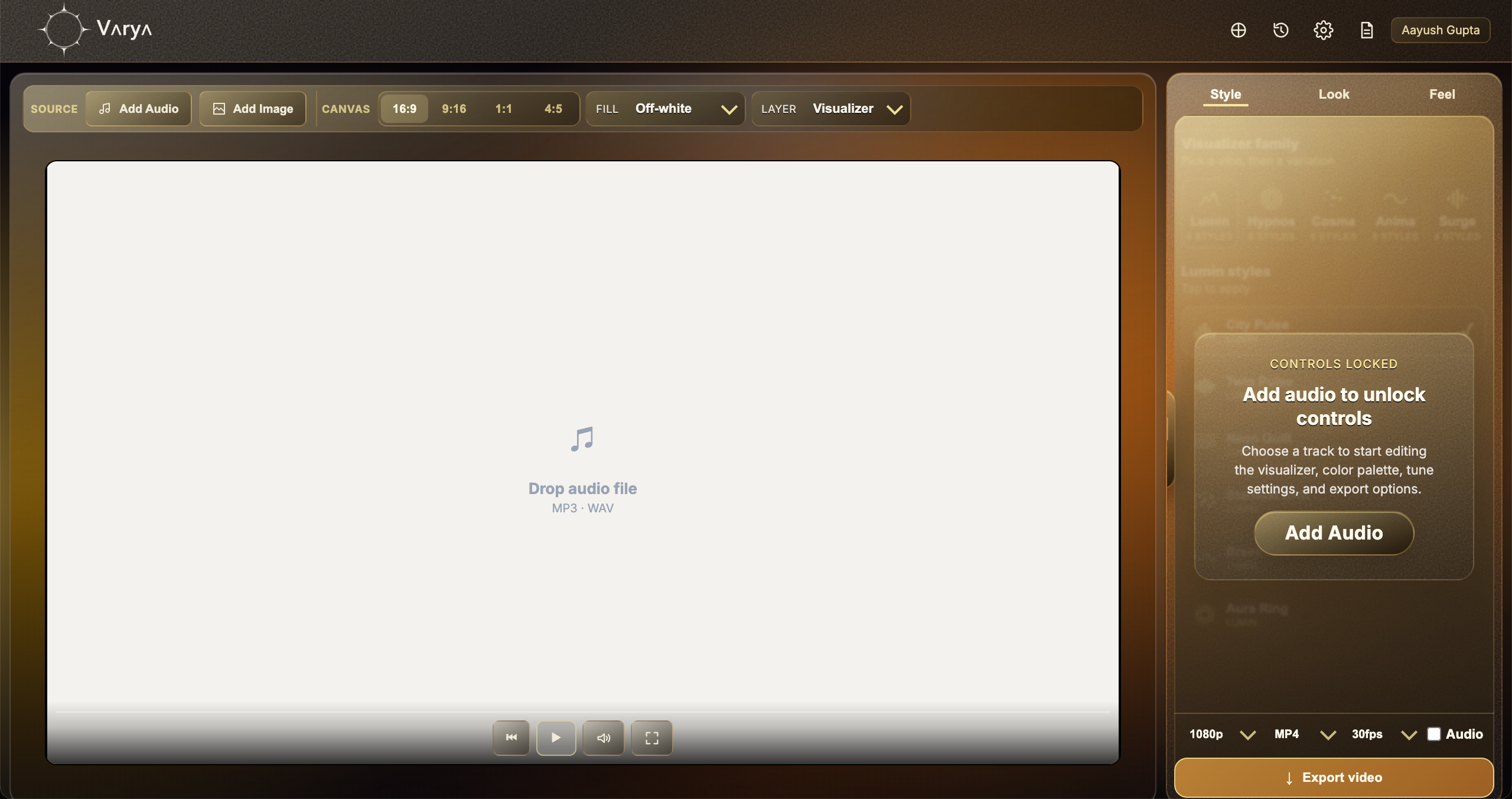
Choose where the video will live
Pick the canvas before you style the video, so the composition fits the platform.
- 16:9 for a full YouTube upload.
- 9:16 for YouTube Shorts, Instagram Reels, and TikTok.
- 1:1 or 4:5 for feed posts.
- Add cover art if the song has it, so the video matches the release.
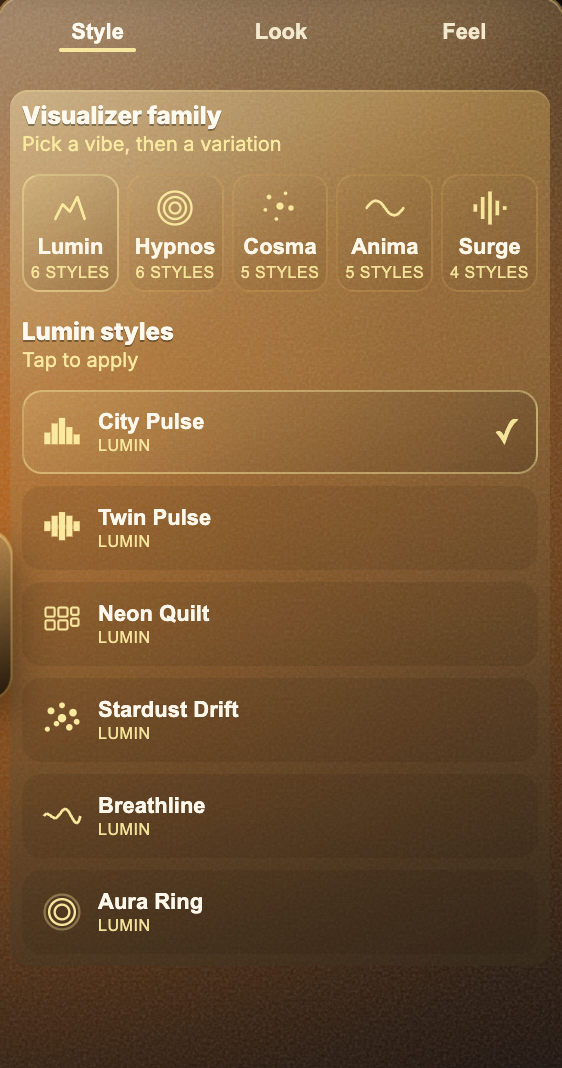
Style it to fit the song
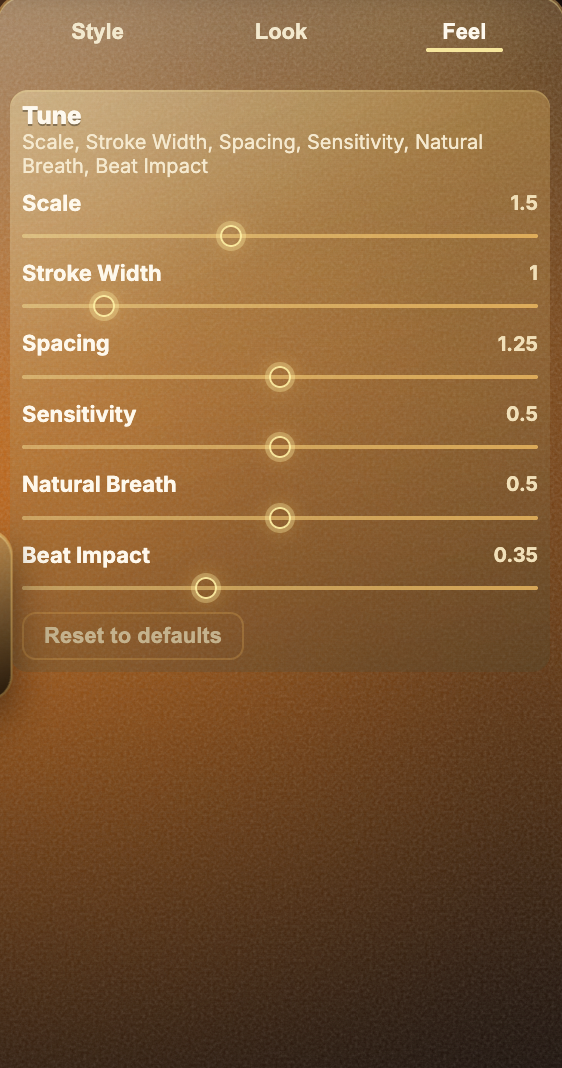
AI-generated tracks can be anything from ambient to heavy electronic. Calm, vocal-led songs usually look better with smoother motion, while dense electronic tracks can carry stronger reactions. Use the Look and Feel controls to tune color and how hard the visuals respond to the audio.
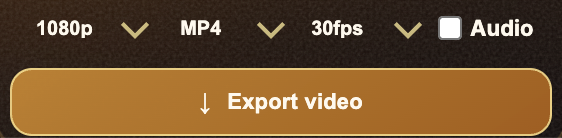
Export the ElevenLabs Music video
Export an MP4 for posting. Free exports go up to 1080p and 5 minutes; export packs and Monthly Pro go up to 4K without a watermark.
Before you publish or monetize, check that your ElevenLabs plan allows the use you have in mind. Rights to AI-generated music depend on the generator's terms, not on the visualizer.
Frequently asked questions
Can I make a visualizer for a song from ElevenLabs Music?
Yes. Download the track as an MP3 or WAV, upload it to Varya, choose a style, and export an MP4 video.
Which aspect ratio should I use?
Use 16:9 for YouTube and 9:16 for Shorts, Reels, and TikTok. Use 1:1 or 4:5 for feed posts.
Can I use the video commercially?
That depends on your ElevenLabs plan and its terms for the generated music. Check them before monetizing.