
Spectrum and waveform visuals show different parts of the sound
A waveform visualizer usually emphasizes the shape and loudness of the audio over time. It can feel direct, clean, and connected to the full track. An audio spectrum visualizer emphasizes frequency energy, so bass, mids, and highs can appear as separate movement across bars, rings, particles, or other shapes.
Neither is automatically better. The right choice depends on the song, the artwork, and the platform.
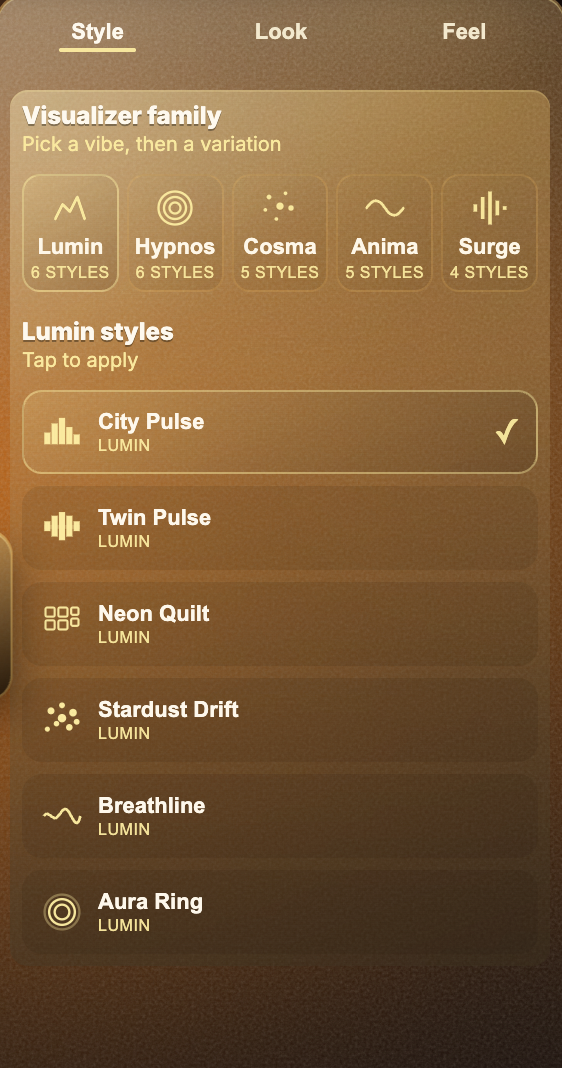
Use waveform-style visuals for clarity
Waveform-style visuals work well when you want the audience to understand the audio response immediately. They are useful for podcasts, lyric videos, calm tracks, acoustic songs, and clean social clips.
They also work well when the background image is important because a waveform can be placed around or beside the artwork without taking over the whole frame.
- Good for clean, readable music videos.
- Good for podcasts and spoken audio clips.
- Good when artwork should remain visible.
- Good for simple social previews.
Use spectrum-style visuals for energy
Spectrum-style visuals are useful when the track has strong bass, drums, synths, or frequency movement. They can make electronic, hip-hop, club, and experimental music feel more alive because different parts of the sound can drive different areas of the visual.
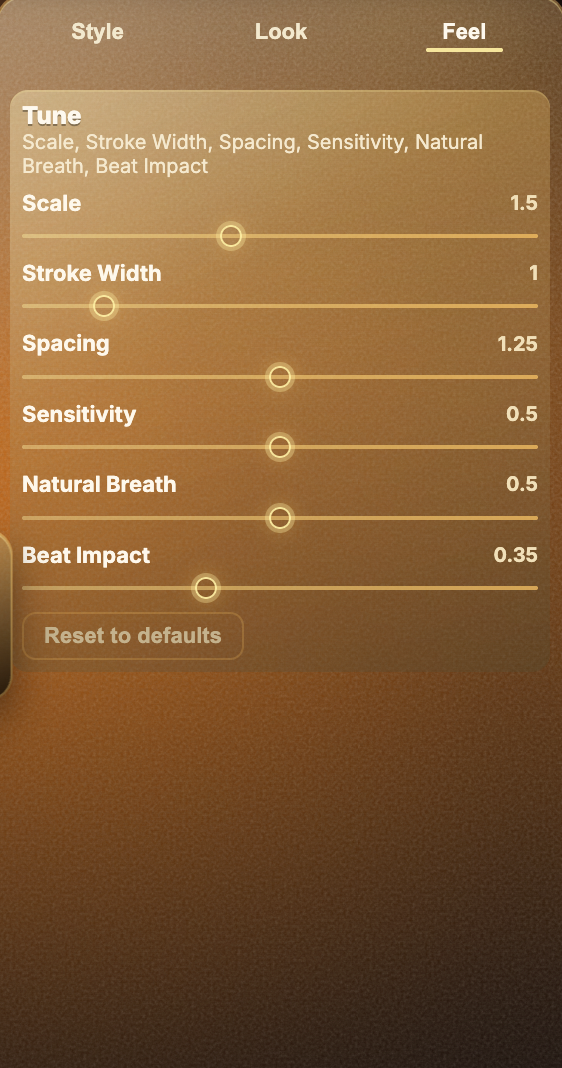
The risk is clutter. If the visual becomes too dense, reduce scale, stroke width, intensity, or sensitivity until the motion feels musical again.
Try both before exporting
In Varya, the easiest approach is to test a few styles on the same song. Watch the chorus, drop, or loudest section, then watch a quieter section. A style that only works during the loudest part may not hold up for the full video.
Choose the style that makes the song easier to watch, not just the one that moves the most.