
How to post a Suno song on TikTok or Reels
Download your Suno song as an MP3 or WAV, upload it to Varya, set the canvas to 9:16, add your cover art, and export an MP4. Then upload that file to TikTok or Instagram as a Reel. Use the hook of the song, not the intro, for the clip.
Cut the hook first
Short-form viewers decide in the first seconds. Trim the Suno track to the chorus or the strongest part in any audio editor before uploading, or make one longer video and a few short hook clips from the same song.
Keep each clip focused on one moment of the song rather than the whole track.
Set up a vertical visualizer
Choose the 9:16 canvas so nothing gets cropped. Keep the main motion and any artwork in the middle of the frame, because TikTok and Reels place captions and buttons along the bottom and right edge.
- Canvas: 9:16.
- Artwork: the Suno cover or your own release art.
- Motion: strong enough to read on a phone screen.
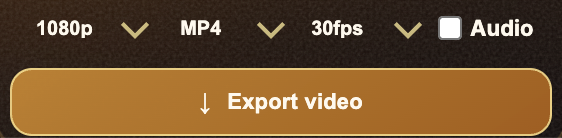
- Export: MP4 with audio on.

Export and post
Export the MP4 and upload it directly in the TikTok or Instagram app. Free exports reach 1080p, which matches what both apps display. Use an export pack if you want clips without the "made with varya.app" mark.
Check Suno's terms for your plan before monetizing, since rights to the song come from Suno, not the visualizer.
Frequently asked questions
How do I post a Suno song on TikTok with visuals?
Make a 9:16 visualizer from the Suno audio in Varya, export it as MP4, and upload the video to TikTok.
What resolution should a TikTok or Reel be?
1080 by 1920 (9:16) is the standard. Varya's free plan exports up to 1080p.
Should I post the whole song?
Usually not. Post the hook or chorus as a short clip, and link to the full song or a full-length YouTube visualizer.