Design for a phone-first frame
Instagram Reels are phone-first, so a music visualizer should be built around a 9:16 vertical frame. This gives the visualizer room to feel native to the platform instead of looking like a cropped YouTube video.
Use Varya to set the canvas before choosing the style. If you are using cover art, make sure the artwork still reads after the visualizer starts moving over it.

Use motion that survives fast scrolling
A Reel often has to earn attention in the first second. The visualizer should have a clear pulse, readable shape, and enough contrast to communicate that the video is audio-reactive immediately.
Avoid making the frame too busy. If the artwork has a lot of detail, use a cleaner visual style. If the background is simple, a more expressive visualizer can carry the frame.
- Use clear contrast and a strong focal point.
- Keep artist or track text away from crowded visual areas.
- Tune beat impact so the motion feels intentional.
- Export a separate vertical version instead of cropping a landscape video.
Export the Reel as MP4
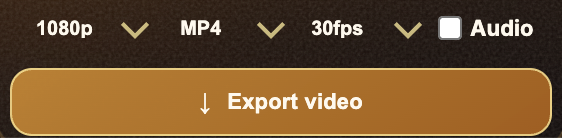
For a finished Instagram Reel, export MP4 with audio enabled. If you plan to add captions, text overlays, or extra edits in another app, export the visualizer first and finish the final post in your editor.
If you need the Varya visualizer as a layer over footage, use the transparent overlay workflow instead of a full-frame export.