
The best visualizer app depends on the workflow
Some music visualizer apps are built for live VJ work, some are built for technical audio analysis, and some are built for quickly exporting release assets. Before comparing tools, decide whether you need a finished video, a transparent overlay, a live performance visual, or a research-style waveform view.
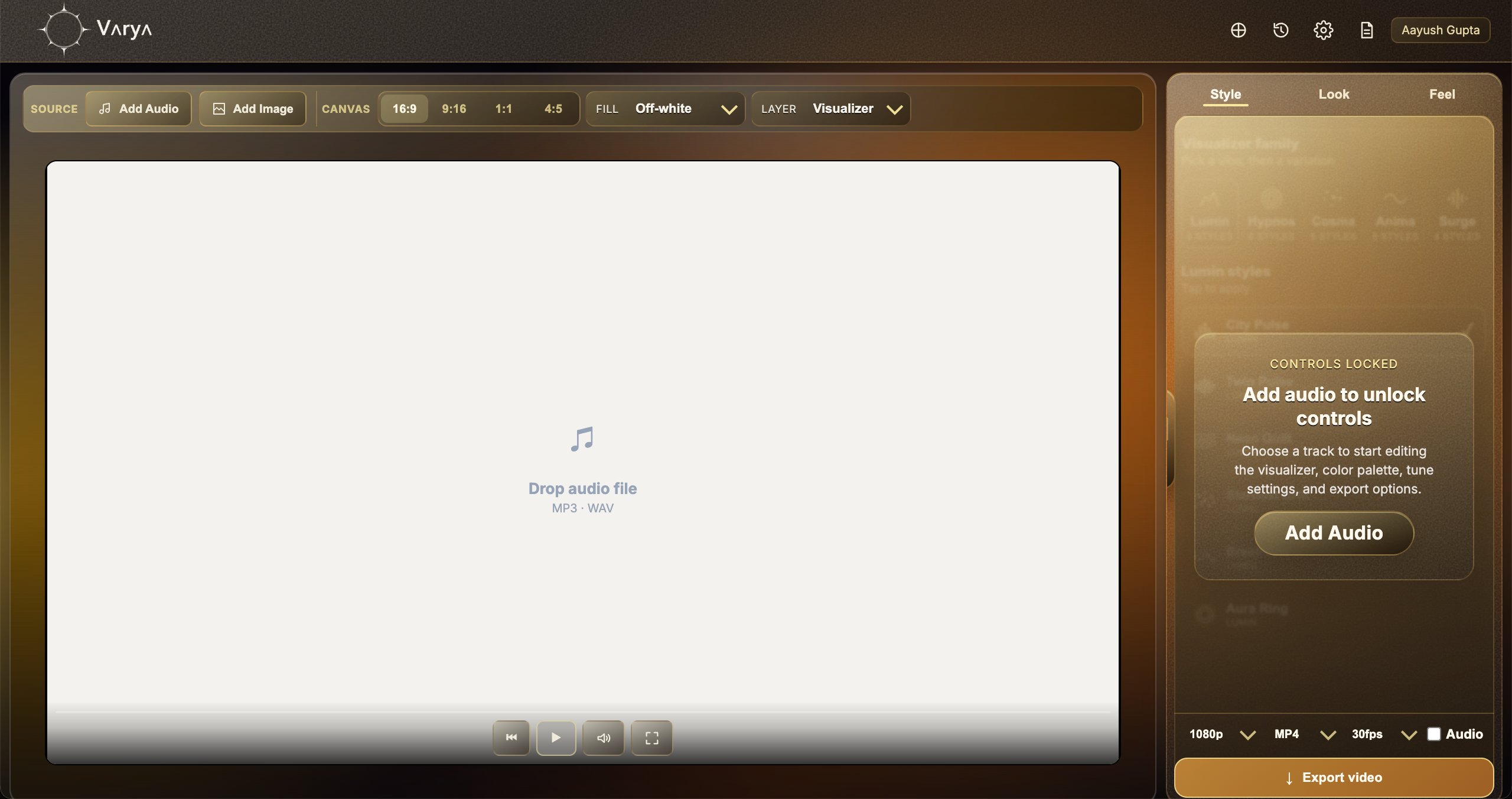
Varya is focused on creator exports: music videos, vertical clips, social posts, and editor-friendly overlays.
What musicians and producers should look for
A practical visualizer app should support common audio files, multiple aspect ratios, artwork, style controls, color tuning, and export formats that match real publishing workflows. It should also make it easy to create more than one asset from the same song.
For a release, one song might need a YouTube visualizer, a vertical teaser, a square post, and a transparent overlay for a lyric edit. A good app should reduce the friction between those versions.
- Audio-reactive motion that follows the actual track.
- Canvas sizes for YouTube, Shorts, Reels, TikTok, and feed posts.
- Artwork and color controls for release identity.
- MP4 plus transparent overlay export options.
- A workflow that does not require rebuilding every animation manually.
Why AI songs need visualizer tools
AI music tools can create songs quickly, but the audio still needs presentation. A visualizer gives an AI-generated song a watchable release asset, a social teaser, or a visual identity that makes the track feel more finished.
For Suno, Udio, and other AI song workflows, the best visualizer app is one that can turn the exported audio into a finished video without needing a full motion graphics setup.
When Varya is a good fit
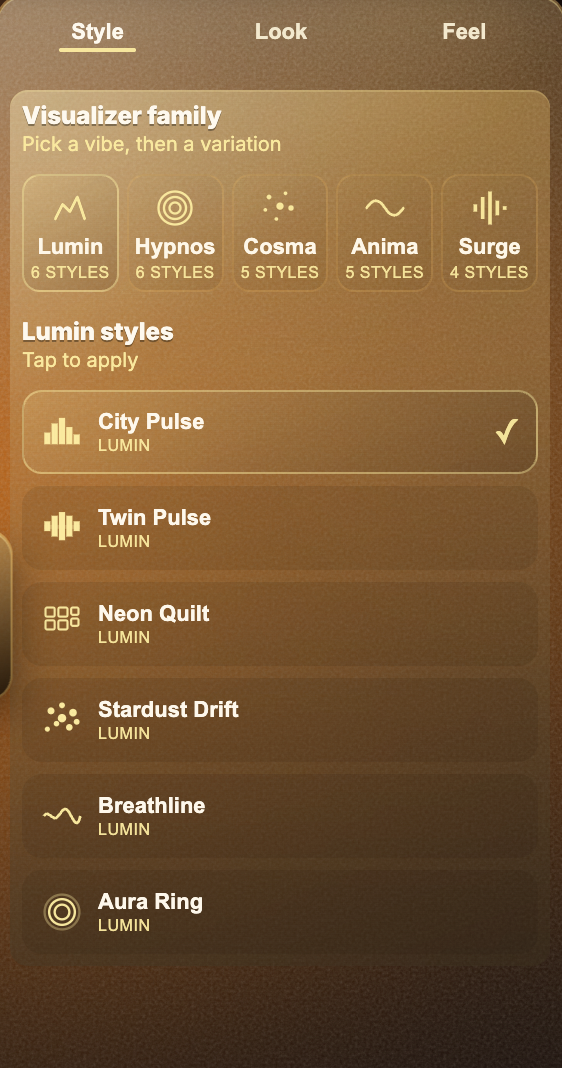
Use Varya when you need browser-based creation, audio-reactive styles, release artwork, vertical and landscape canvases, MP4 exports, and transparent overlay workflows. It is a good fit for musicians, producers, DJs, labels, AI music creators, and video editors who need finished assets quickly.
If your main need is live stage visuals or deep audio analysis, a different specialist tool may be better. If your main need is export-ready content for songs, Varya is built for that path.