
How to make an album art visualizer
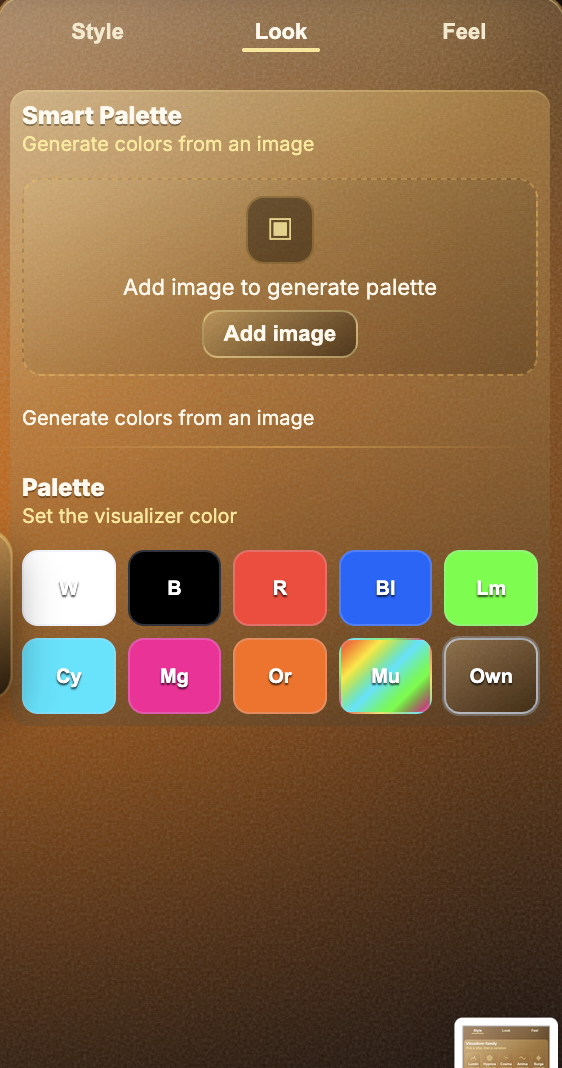
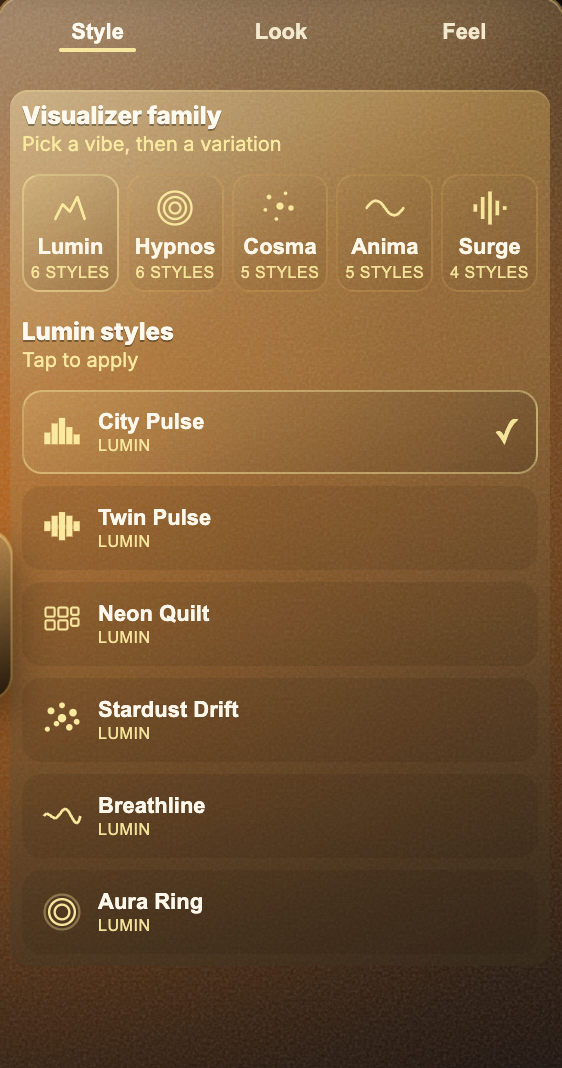
Upload the song to Varya, add your cover art, pick an audio-reactive style that matches the artwork's colors, and export one 16:9 video for YouTube plus 9:16 clips for Reels, Shorts, and TikTok. It looks more alive than a static cover image and takes minutes rather than a full music video.
Why not just a static cover
A still image over audio is the default for many YouTube releases, but nothing on screen tells the viewer the song is moving. A visualizer keeps the cover art as the identity of the release and adds motion that follows the beat.
Build the release set from one song
Make the main video first, then reuse the same style for every format so the release looks consistent everywhere.
- YouTube: full song, 16:9, cover art centered.
- Shorts, Reels, TikTok: the hook, 9:16.
- Feed posts: 1:1 or 4:5 teaser.
- Pre-save and launch posts: short clips from the same video.
Export settings for a release video
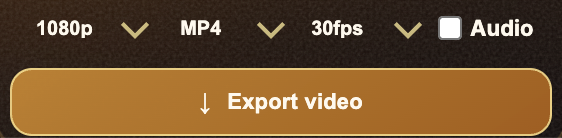
For YouTube, 1080p is fine and 4K looks sharper on large screens; 4K needs an export pack or Monthly Pro. Short-form clips only need 1080p. Exports with a pack or Pro have no watermark, which matters for official release videos.
Frequently asked questions
How do I make a music video from album art?
Upload the song and cover art to Varya, choose an audio-reactive style, and export an MP4. The visuals move with the music around your artwork.
What size should cover art be?
Use a square image of at least 1500 by 1500 pixels so it stays sharp in a 1080p or 4K video.
Can I make vertical versions too?
Yes. Reuse the same style on a 9:16 canvas for Shorts, Reels, and TikTok.